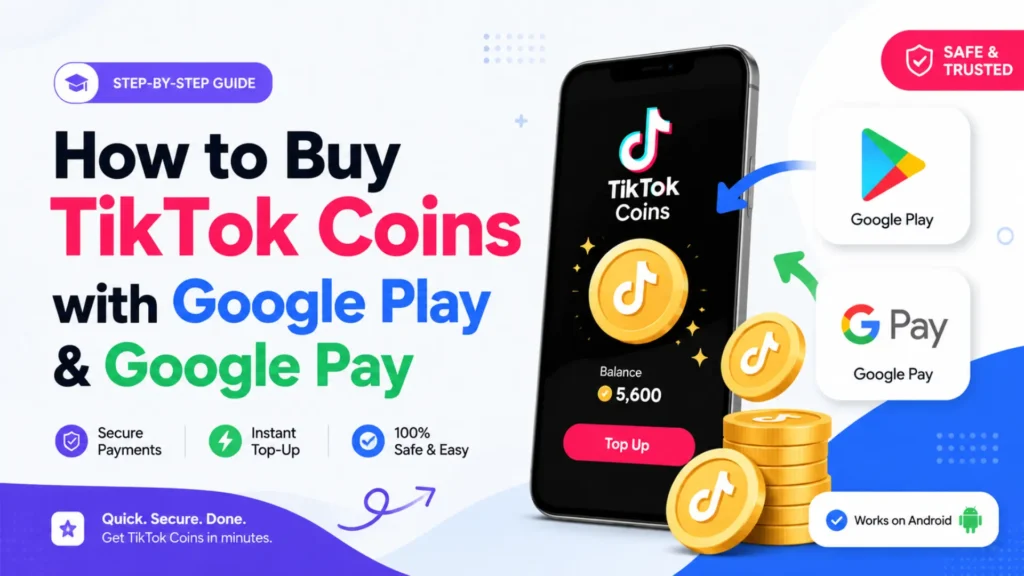
Buying TikTok coins can sometimes be confusing, especially if you want to use Google Play or Google Pay to make your purchase. Many users search for “Google Coins TikTok” to find the easiest and safest way to get coins without running into errors.
In this guide, we’ll show you step-by-step how to buy TikTok coins recharge using Google Play and Google Pay, so you can top up your account quickly and securely. By the end of this article, you’ll know all the options, common issues, and tips to make your purchase smooth.
Can You Use Google Play Balance for TikTok Coins?
Many TikTok users wonder if they can buy coins directly using their Google Play balance or Google Pay. The short answer is: yes, you can, but there are a few things to keep in mind.
Google Play Balance Works… Sometimes
You can use your Google Play balance to buy TikTok coins if TikTok supports it in your region. It’s super convenient because you don’t have to enter card details every time. Just make sure your balance is enough to cover the coins you want.
Google Pay Makes Life Even Easier
Linking Google Pay to TikTok is a smooth ride. Cards, bank accounts, and even Google Pay credits can be used to top up coins without any hassle.
Watch Out for Regional Restrictions
TikTok’s payment system isn’t identical everywhere. Some countries might not allow Google Play or Google Pay purchases. Open TikTok, go to the coins purchase screen, and see which options pop up.
Tip: If you want a safe, scam-free experience, stick with Google Play or Google Pay. Third-party apps promising TikTok coins cheaper can scam you or get your account banned.
How to Buy TikTok Coins Using Google Play & Google Pay
Buying TikTok coins doesn’t have to feel like decoding a secret puzzle. If you’ve got a Google balance or Google Pay set up, here’s how you can do it smoothly.
1. Open TikTok and Check Your Coins Screen
Start by opening your TikTok app. Tap your profile, then hit the “Balance” or “Get Coins” button. This is where all the magic begins.
2. Choose the Coins You Want
TikTok shows you a range of coin packages. Pick the one that fits your needs (or your budget, don’t go crazy, your wallet will thank you).
3. Select Google Play or Google Pay
When it comes to payment, TikTok usually shows Google Play first if you’re on Android. If you use Google Pay, it might appear as an option too. Select your preferred method.
4. Confirm and Enjoy
Double-check the amount and hit Buy. Google will process the payment, and in seconds, your TikTok coins recharge is ready to spend on gifts, tips, or your favorite creators.
Tip: If the option doesn’t show up, make sure your TikTok app is updated and your Google account is connected. Most problems happen because the app is old or not linked.
Common Problems When Buying TikTok Coins and How to Fix Them
Even with Google Play or Google Pay, sometimes things don’t go as planned. Here’s what usually happens and how to handle it:
1. Payment Option Not Showing
- Why: Your TikTok app might be outdated, or your Google account isn’t linked.
- Fix: Update TikTok and make sure your Google account is connected. Open TikTok again and check the coins screen.
2. Payment Failed
- Why: Not enough balance in Google Play or a bank/card issue.
- Fix: Check your balance, try another payment method, or refresh your Google Pay account.
3. Coins Not Added
- Why: Sometimes the purchase goes through but the coins don’t appear immediately.
- Fix: Close TikTok and reopen. If it still doesn’t show, check your purchase history in Google Play.
4. Regional Restrictions
- Why: Some countries don’t allow Google Play payments for TikTok coins.
- Fix: Use another supported payment method in your region.
Quick Tip: Always buy coins through TikTok directly and avoid third-party sites, they can scam you or get your account banned. For alternative methods, see TikTok coins exchange.
Tips & Tricks for Buying TikTok Coins Safely and Easily
Buying TikTok coins doesn’t have to be stressful. Here are some simple tips to make the process smoother:
1. Stick to Official Methods
Always use TikTok, Google Play, or Google Pay. Avoid third-party apps or websites, they might promise TikTok coins cheaper, but they can scam you or even get your account banned.
2. Keep Your App Updated
An outdated TikTok app is the number one reason payments fail. Turn on auto-updates or check the app store regularly.
3. Check Your Balance Before Buying
Make sure your Google Play or Google Pay account has enough funds. This avoids failed transactions and frustration.
4. Buy in Small Amounts First
If it’s your first time, start with a small coin package. It’s safer, and you’ll see how quickly the coins are added to your account.
5. Watch Out for Regional Restrictions
Some payment options may not work in your country. Always check which methods TikTok shows you on the coins screen.
6. Keep Track of Your Purchases
Check your Google Play purchase history to make sure coins are added. If something looks wrong, TikTok support can help.
Extra Tip: Searching for “Google Coins TikTok”? Remember, Google Play or Google Pay is the safest and fastest way to get your TikTok coins recharge without headaches.
Conclusion
Buying TikTok coins using Google Play or Google Pay doesn’t have to be confusing. With a few simple steps, checking your balance, choosing the right payment option, and keeping your TikTok app updated, you can get your coins quickly and safely. Remember: stick to official methods, watch for regional restrictions, and always double-check your purchase history. Following these tips will save you time, money, and stress.
Now that you know how to get your coins safely, you can enjoy sending gifts, supporting creators, and making your TikTok experience even more fun!