If you’ve spent any time on Discord lately, you’ve likely seen those sleek, tiny messages that look like secret whispers or professional footnotes. Whether it’s a server admin organizing a list of rules or a friend pulling a “fine print” prank, Discord small text has become the go-to aesthetic for 2026.
But here is the problem: Discord doesn’t exactly give you a “Small” button in the chat box.
Most people get stuck trying old codes that no longer work. In this guide, I’m going to show you the exact Discord markdown to trigger the official “Subtext” feature, and provide a tiny text generator for those who want that specialized Unicode look (like ˢᵐᵃˡˡ ᵗᵉˣᵗ) that works anywhere.
In this guide, I’m going to show you the exact Discord markdown to trigger the official “Subtext” feature and provide a tiny text generator strategy for those who want that specialized Unicode look (like ˢᵐᵃˡˡ ᵗᵉˣᵗ) that works anywhere, from your Discord status to your server nicknames.
Quick Answer: How to make small text in Discord
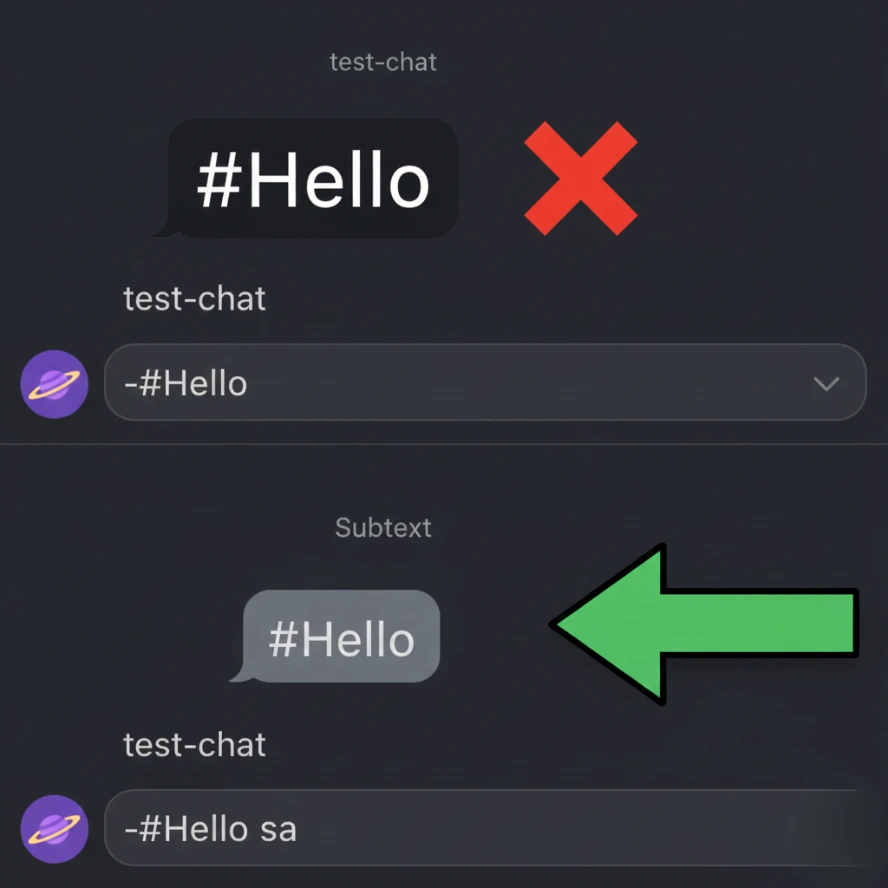
To use the official Discord Subtext markdown, simply type -# followed by a space before your text.
Example: -# Your message here
This will shrink your font size and turn it a subtle gray, perfect for disclaimers or “bottom of the page” notes.
The “Subtext” Secret: Why your -#isn’t working
We’ve all been there: you type the code, hit enter, and… nothing happens. Your text is still huge, and you look like a newbie in the group chat.
The biggest “gotcha” with Discord’s new small text markdown is the space. If you type -#Hello, it stays normal. If you type -# Hello, the magic happens.
But there’s a catch: This official method is “all or nothing.” You can’t make just one word small in the middle of a sentence. It’s a line-wide command. Think of it like a header in a Word doc, just… in reverse. It’s the perfect addition to a professional Discord bio template when you want to add a quiet “Last updated” note at the bottom.
Going Beyond the Basics: The “Aesthetic” Tiny Text
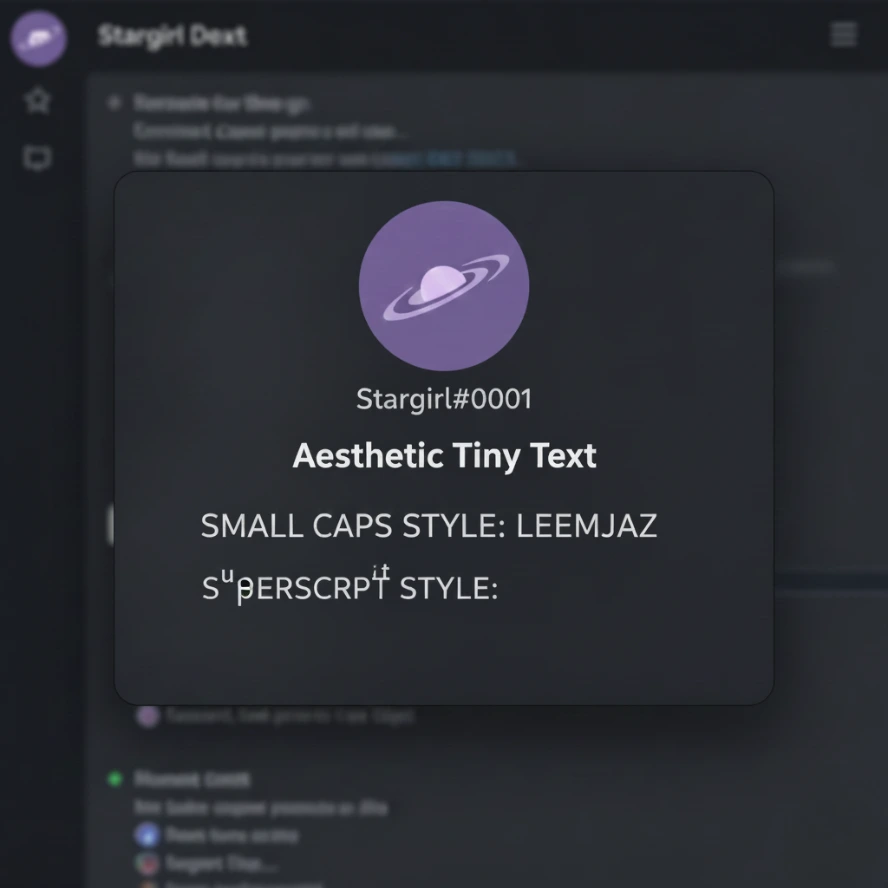
If you’re trying to change your Discord username or make a channel name look “clean,” the official markdown won’t help you there. You’ve probably seen people with names like ʟᴇᴇᴍᴊᴀᴢ or ˢᵗᵃʳᵍⁱʳˡ; they aren’t using Discord codes; they’re using Unicode.
I personally prefer the “Small Caps” look for server roles. It looks organized and professional without being distracting. On the other hand, “Superscript” (the tiny letters floating at the top) is the go-to for bios.
A quick pro-tip from experience: Don’t overdo the Unicode. If you make your entire bio in tiny superscript, it becomes a nightmare for anyone using Dark Mode on a mobile device to read. Use it for emphasis, not for your entire life story.
Pro Move: How to Stack Small Text with Other Styles (H2)
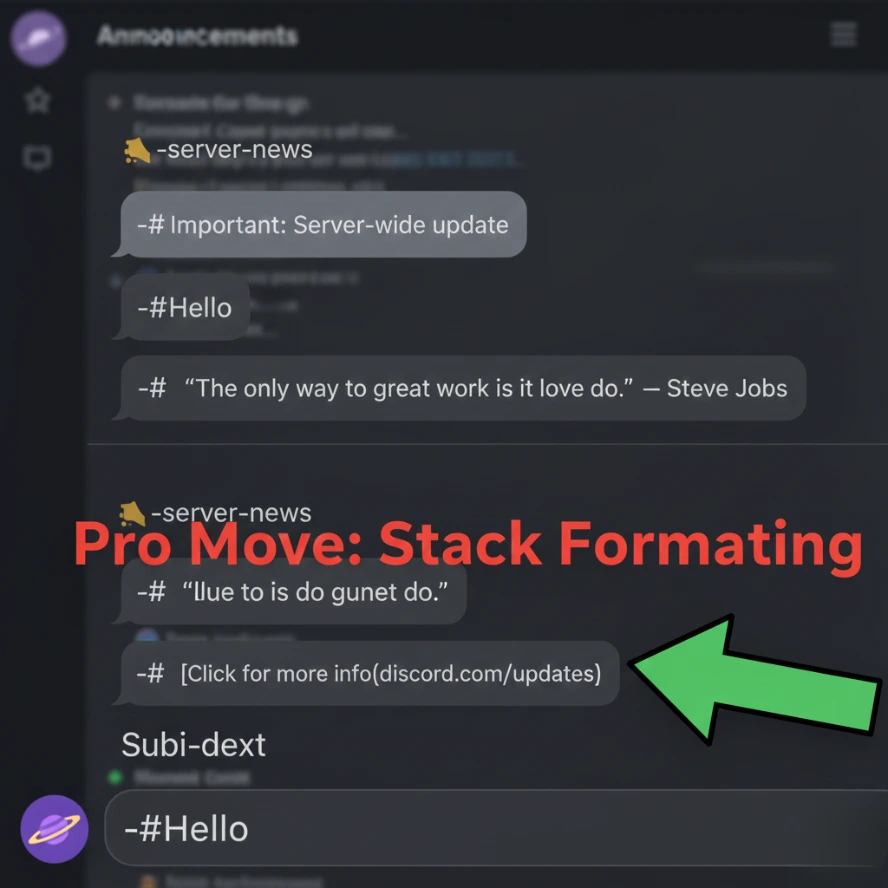
The real fun starts when you realize that Discord’s small text (Subtext) isn’t just a one-trick pony. You can layer other markdown tricks on top of it to create some truly unique layouts.
Think of the -# as the foundation. Once that’s there, you can still use the classic bold or italic tricks inside it. Here are my favorite “combos” for 2026:
- The “Urgent” Fine Print: -# **Warning:** This will be deleted in 24 hours. (Result: Small, faded, but bold text that grabs attention without shouting.)
- The Aesthetic Quote: -# *“Your quote here” — Author* (Result: A tiny, italicized citation that looks incredibly clean in server rules.)
- The Hidden Link: -# [Click for more info](URL) (Result: A small, clickable hyperlink—perfect for keeping your chat clean from long, ugly URLs.)
One Big Limitation to Remember
One thing that still bugs me (and many others) is that you cannot use headers (#) inside small text. If you try to make a Big Header small, Discord’s code gets confused and usually just defaults back to normal text. Stick to bold, italics, and links, and you’ll be fine.
Frequently Asked Questions
Can I make Discord text small on mobile?
Absolutely. The -# (space included!) trick works the same on the iOS and Android apps as it does on the desktop version.
Why does my small text look like a normal hashtag?
You probably forgot the space! Make sure it’s -# and then your message. If there’s no space, Discord thinks you’re trying to tag a channel or use an old-school heading.
Is small text accessible?
The official #markdown is generally accessible to screen readers. However, if you use a Unicode generator (like ˢᵐᵃˡˡ ᵗᵉˣᵗ), some screen readers will read out every individual symbol name instead of the word. If your server prioritizes accessibility, stick to the official Markdown.
Final Verdict: Which Discord Small Text Method is Best? (H2)
After testing both methods, here is my honest recommendation for your Discord account:
If you are posting announcements, rules, or footnotes in a chat, always stick to the official -# markdown. It’s cleaner, faster, and much more accessible. However, if you are looking to create a unique aesthetic for your Discord status or nickname, a Unicode tiny text generator is your only real option.
Summary: Discord Small Text Cheat Sheet
| Goal | Method to Use | Example |
| Footnotes/Rules | Official Markdown | -# Your Text |
| Nicknames | Unicode Generator | ʟᴇᴇᴍᴊᴀᴢ |
| Bios & Status | Superscript Symbols | ˢᵐᵃˡˡ ᵗᵉˣᵗ |
| Stacked Styles | Markdown + Bold | -# **Bold Small** |
Mastering these small tweaks is the easiest way to make your presence felt without cluttering the screen. Whether you’re refreshing your Discord bio template or looking for new Discord role ideas, you now have the complete toolkit to stand out.